
How do I add a new pet to my existing account?
You can add as many pets to your existing account as you like.
Please be advised, this new registration may or may not require a onetime fee which depends on the type of microchip you enroll.
In order to get started log into your PetLink account
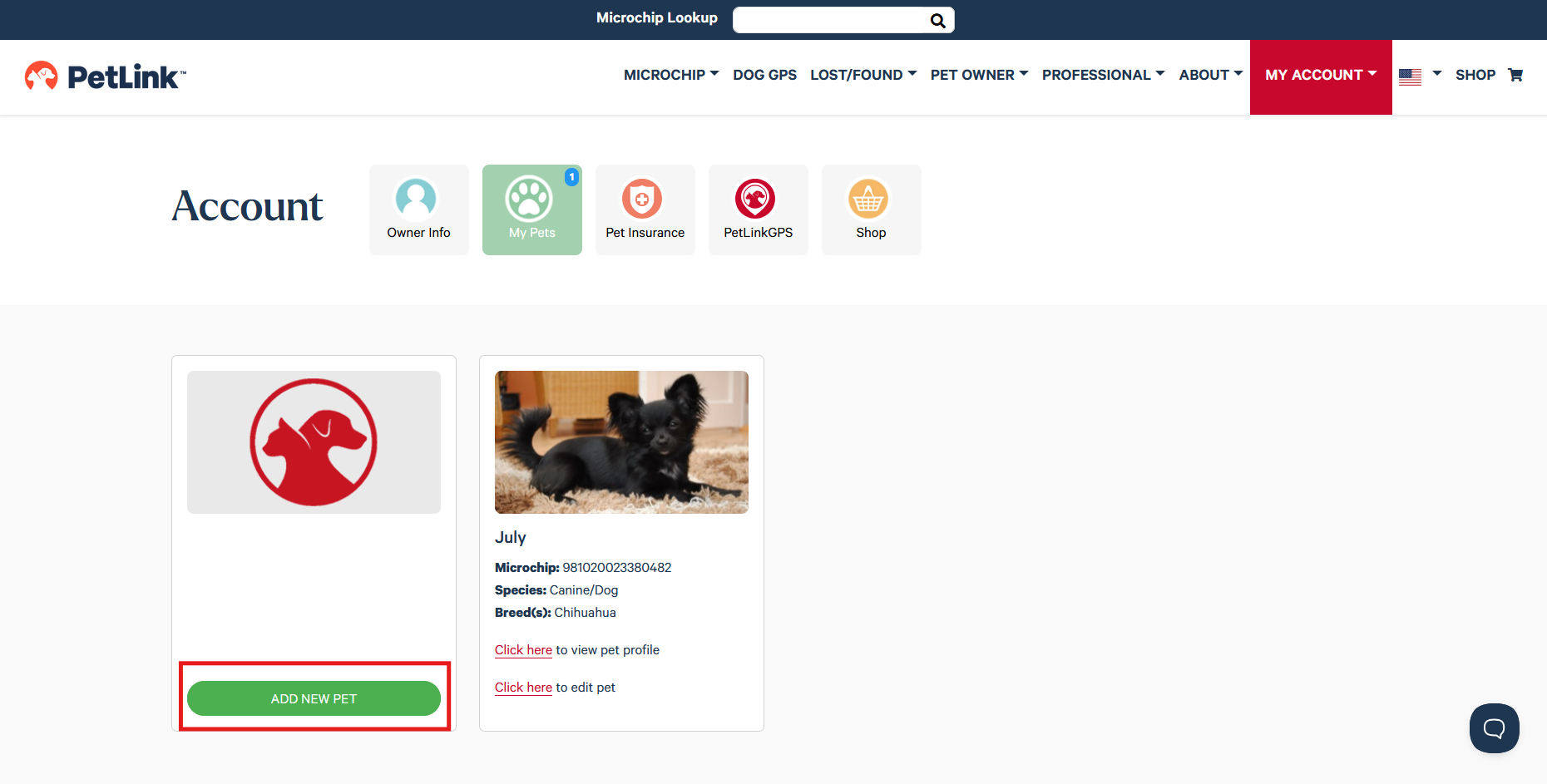
1. Click 'Add New Pet'
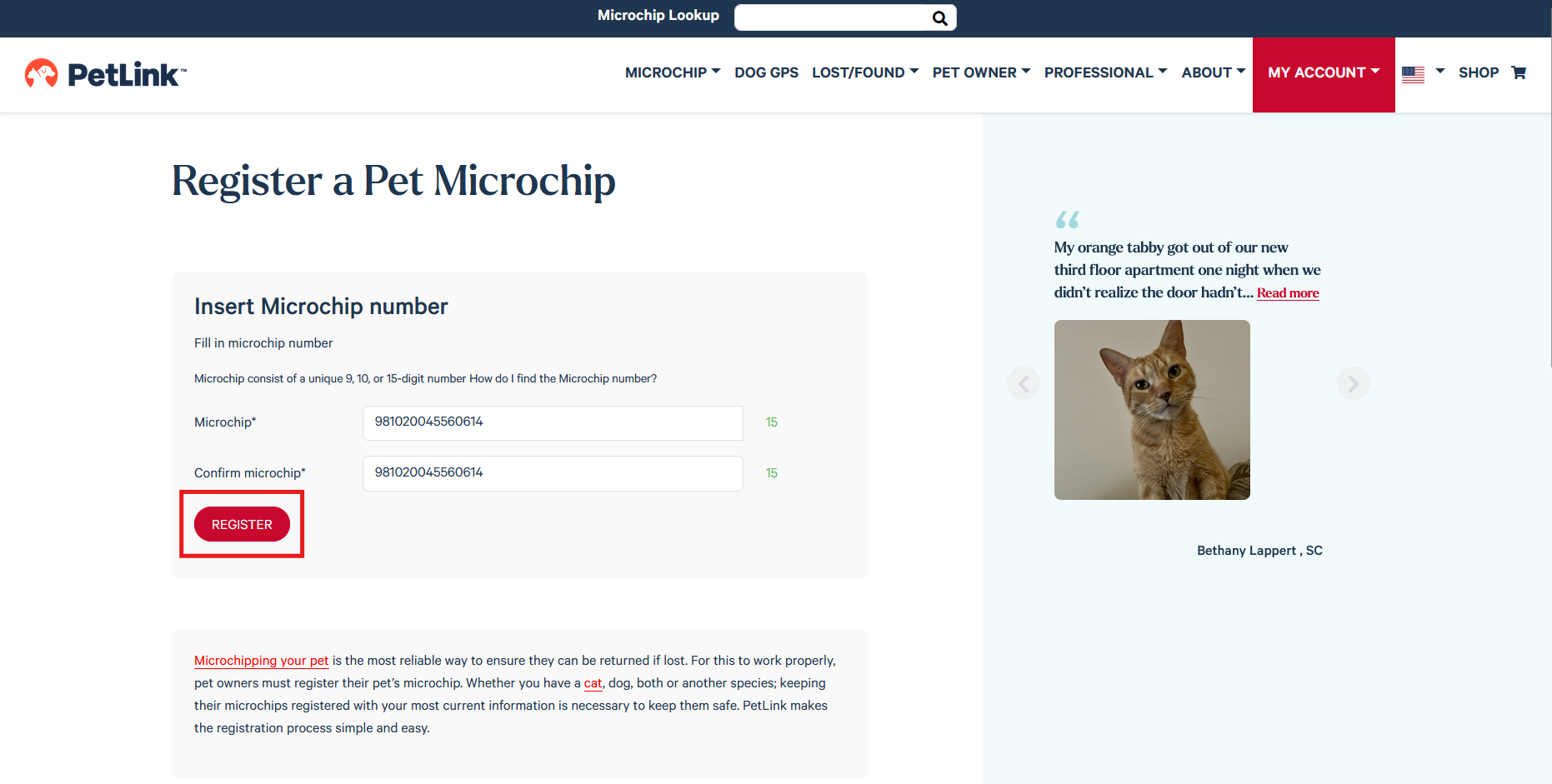
2. Enter a valid 9 digit, 10 digit or 15 digit microchip number and click 'Register'
3. Enter the appropriate information and click 'Complete Registration'
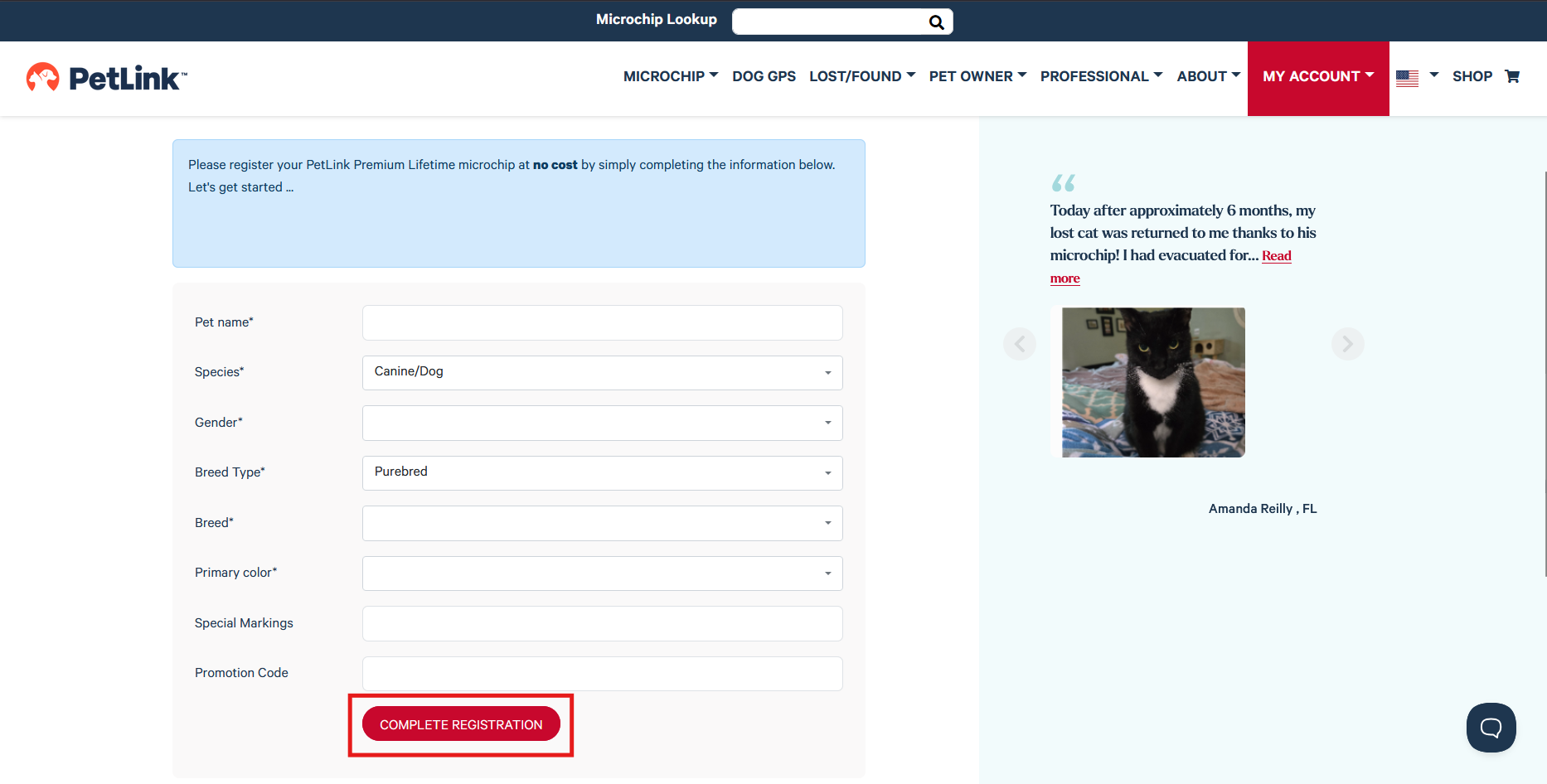
Any fees due will be stated at the start of the new registration...