
How do I upload a photo of my pet?
Having a picture of your pet uploaded to PetLink helps you take advantage of the full suite of lost pet services. If you have premium lifetime registration you can upload a single picture of your pet to your account
To get started log into your account and follow the instructions below:
- Please click here to login to your account
- Select the pet whose photo you would like to upload
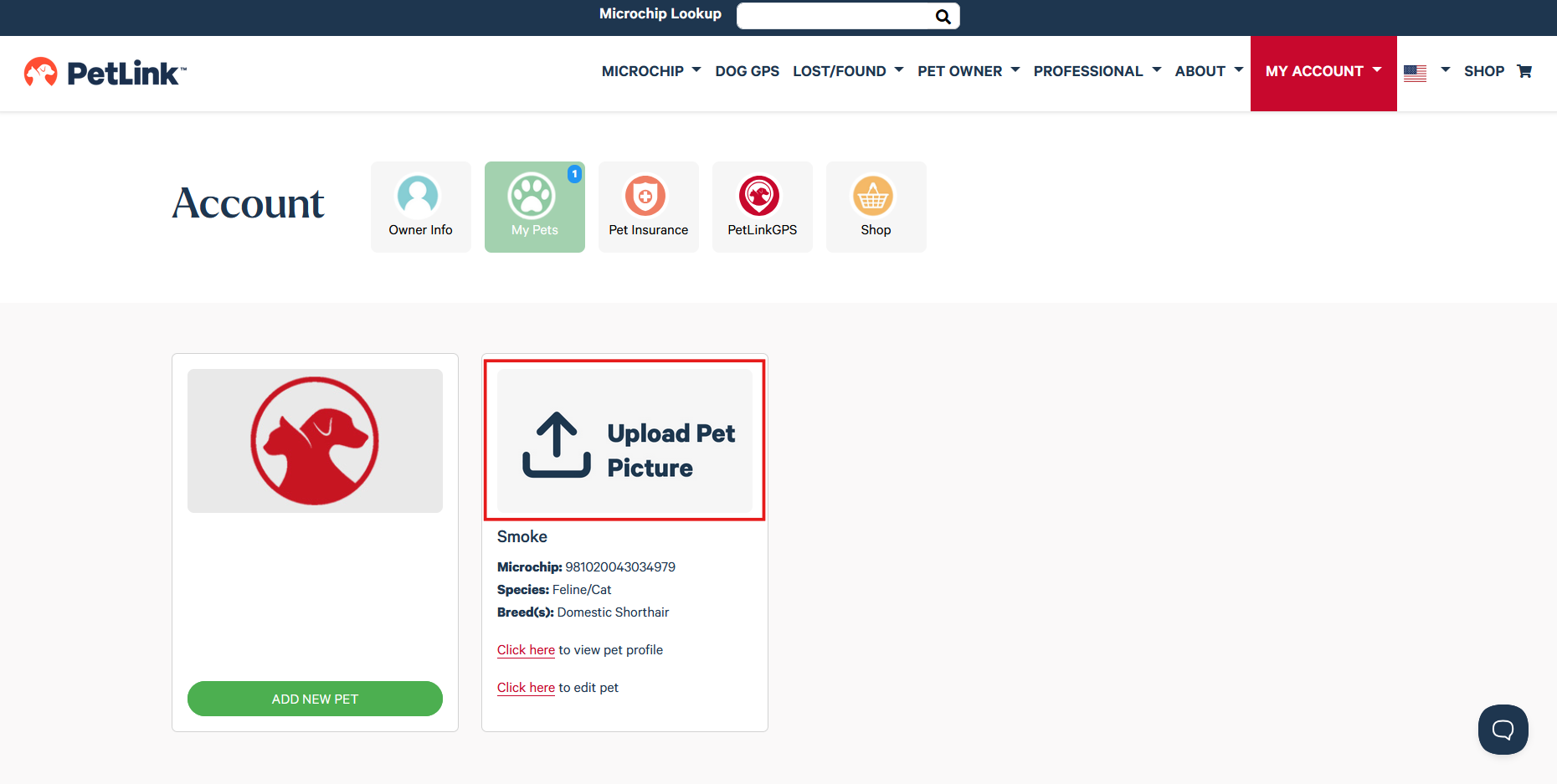
- Click on Upload Pet Picture
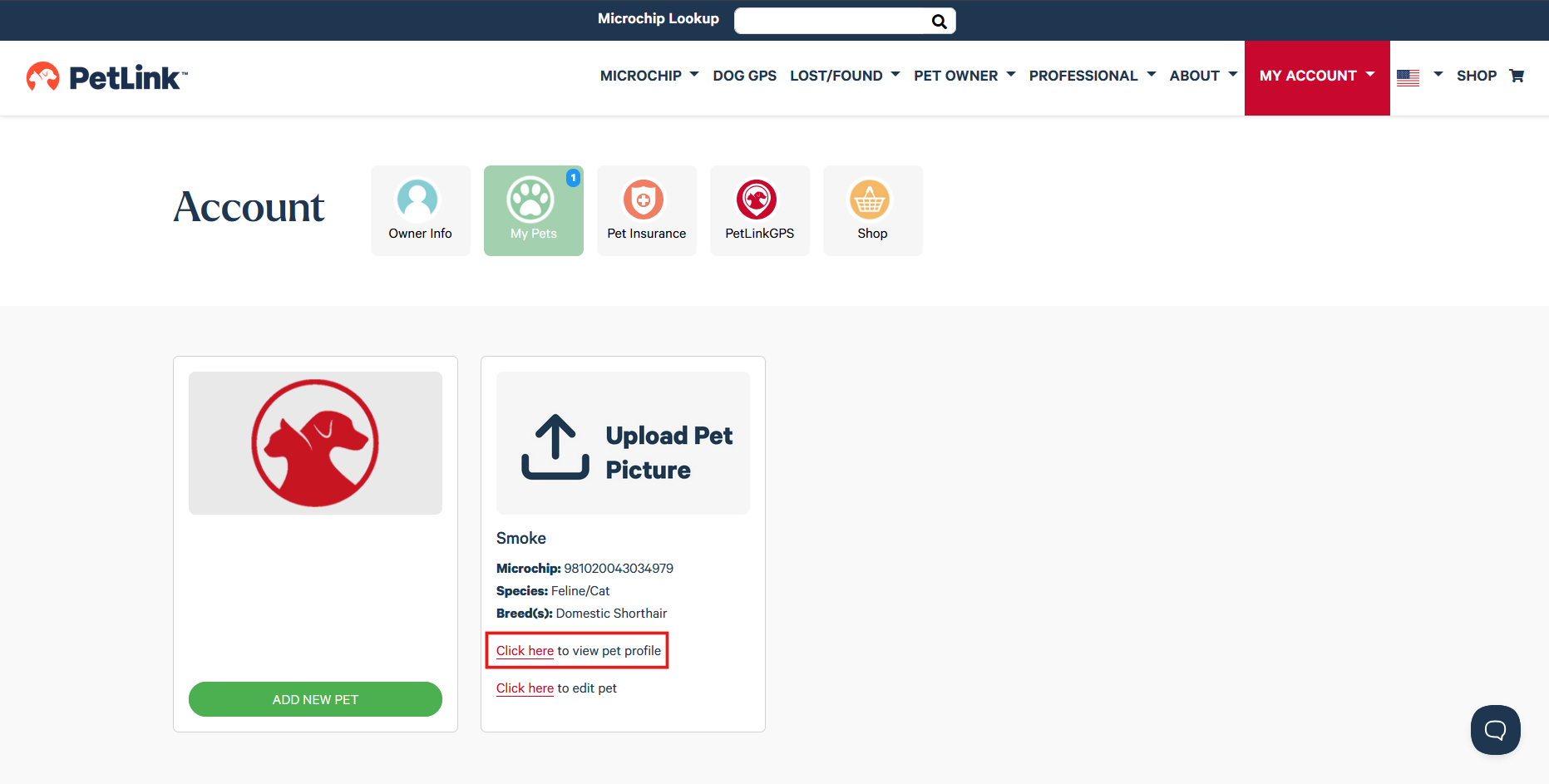
- You can also click on Click here to view pet profile
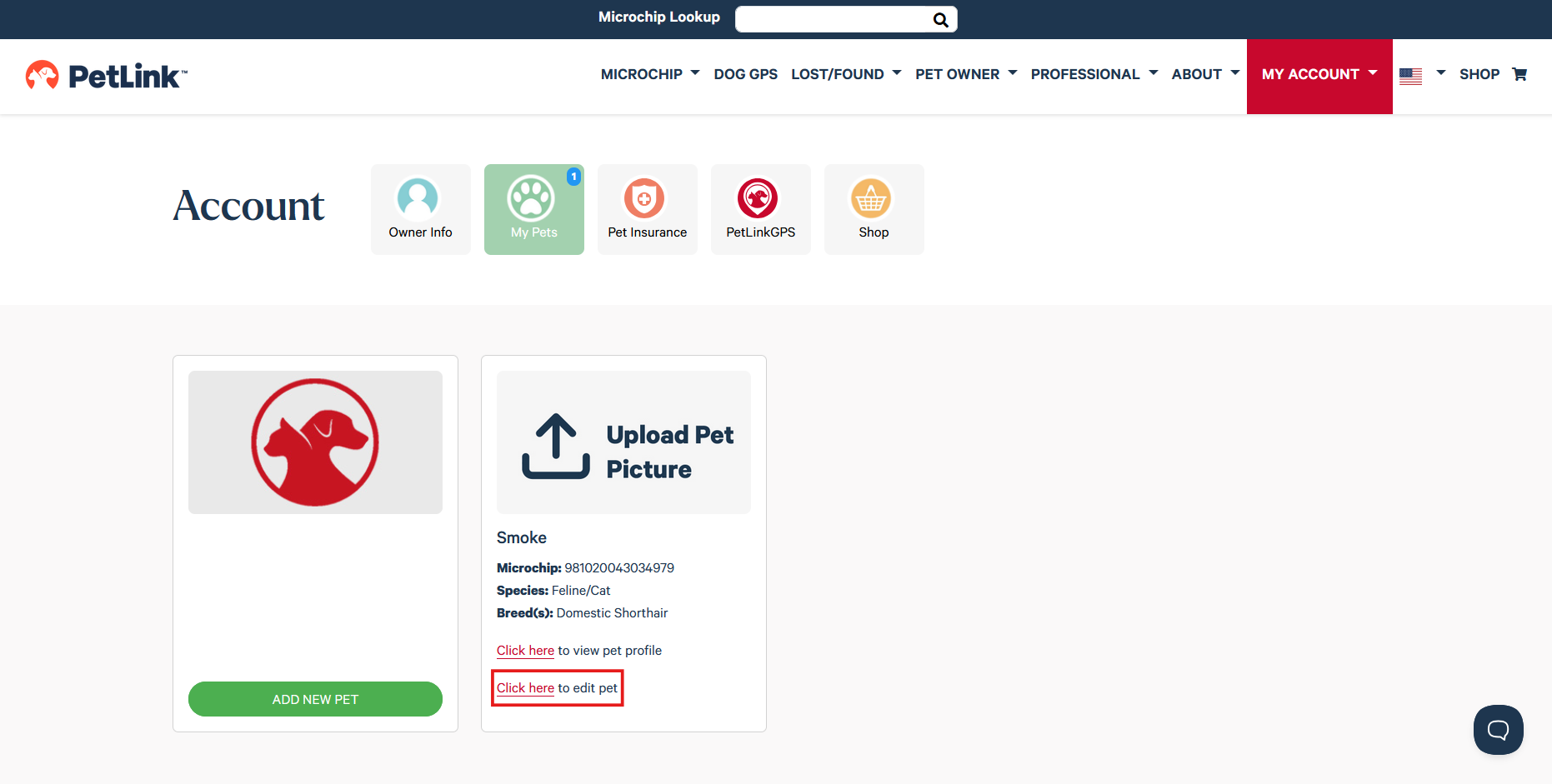
- Or Click here to edit pet
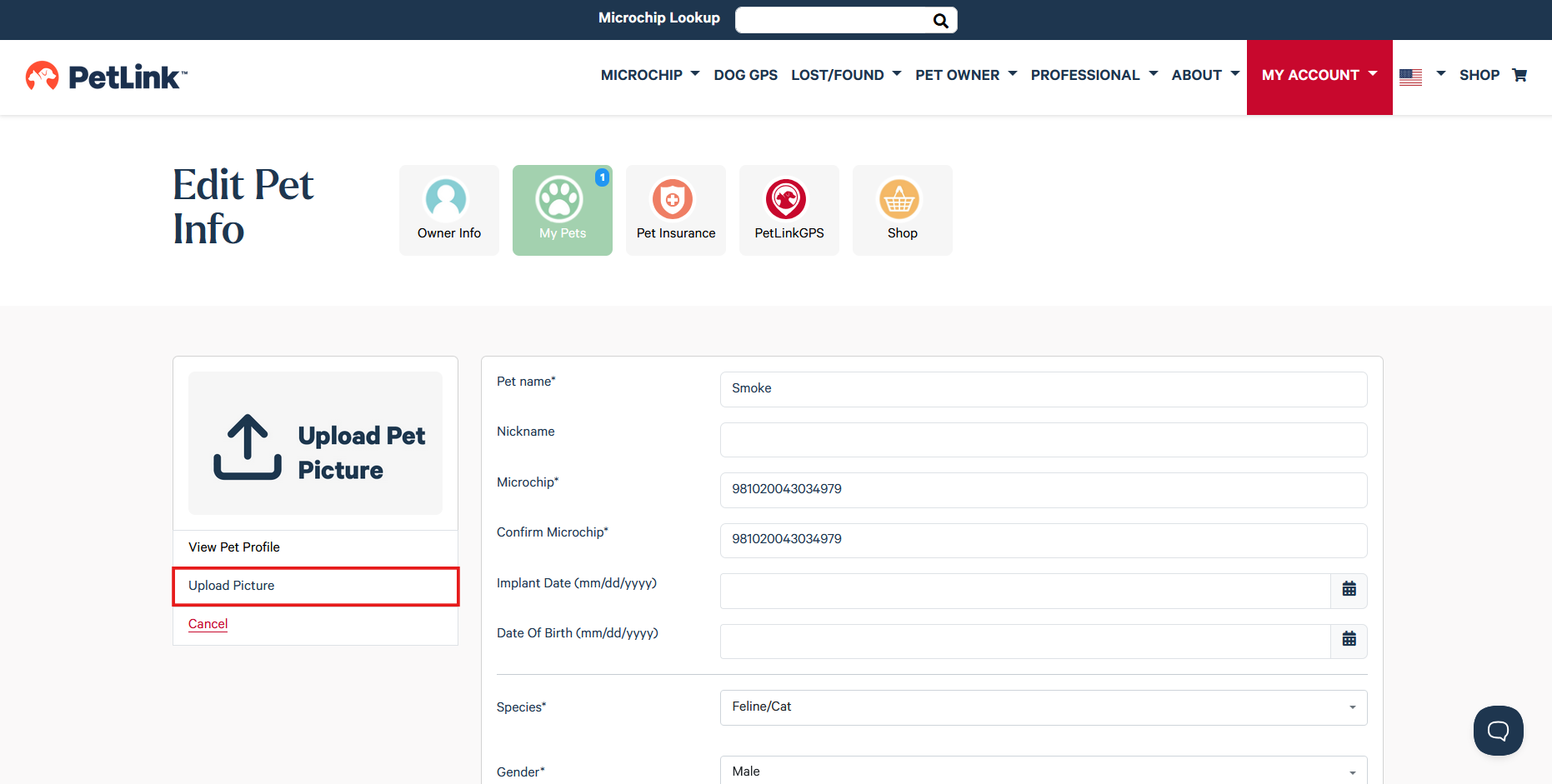
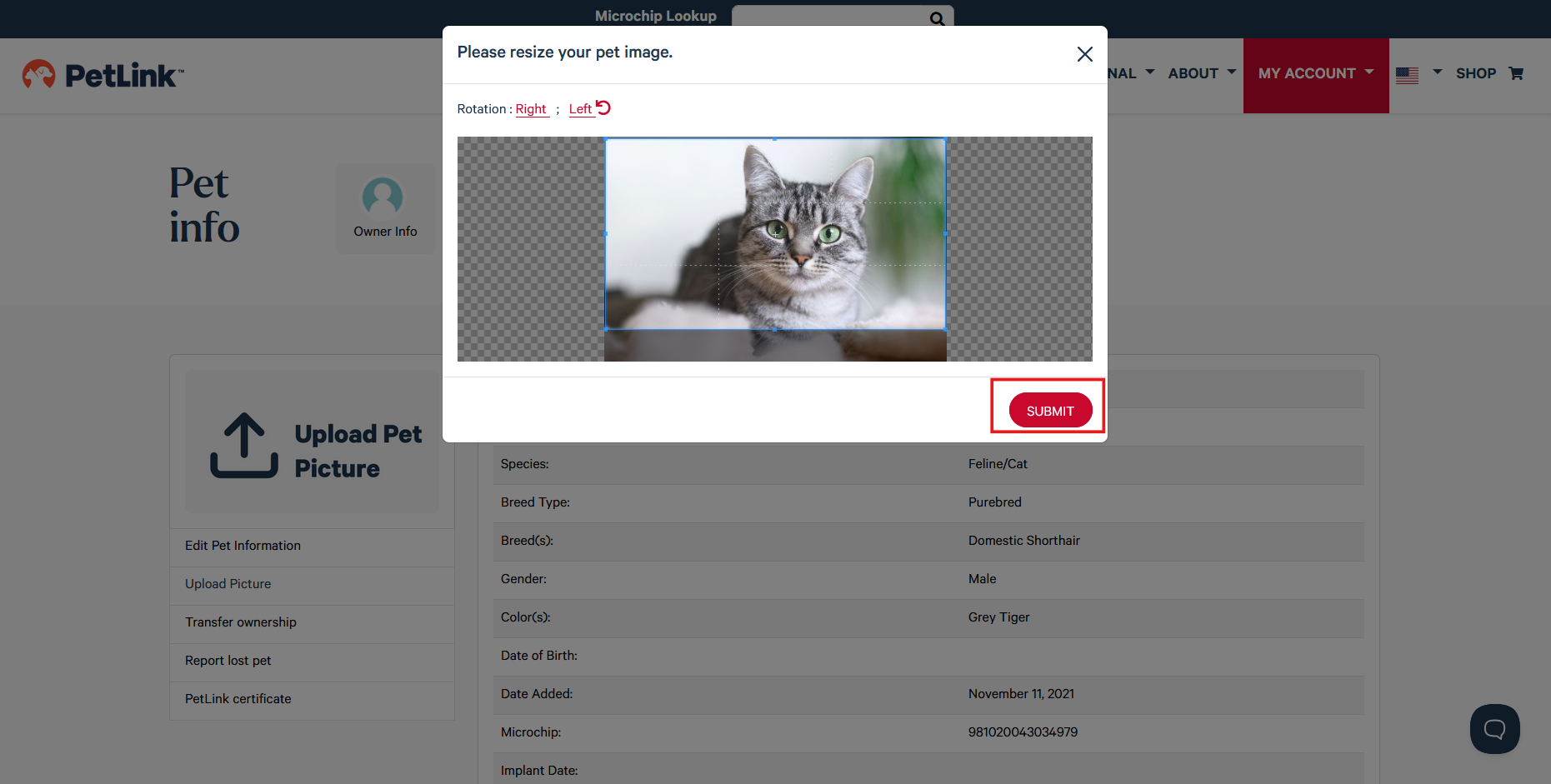
- Adjust the photo to your liking and click Submit to save the image
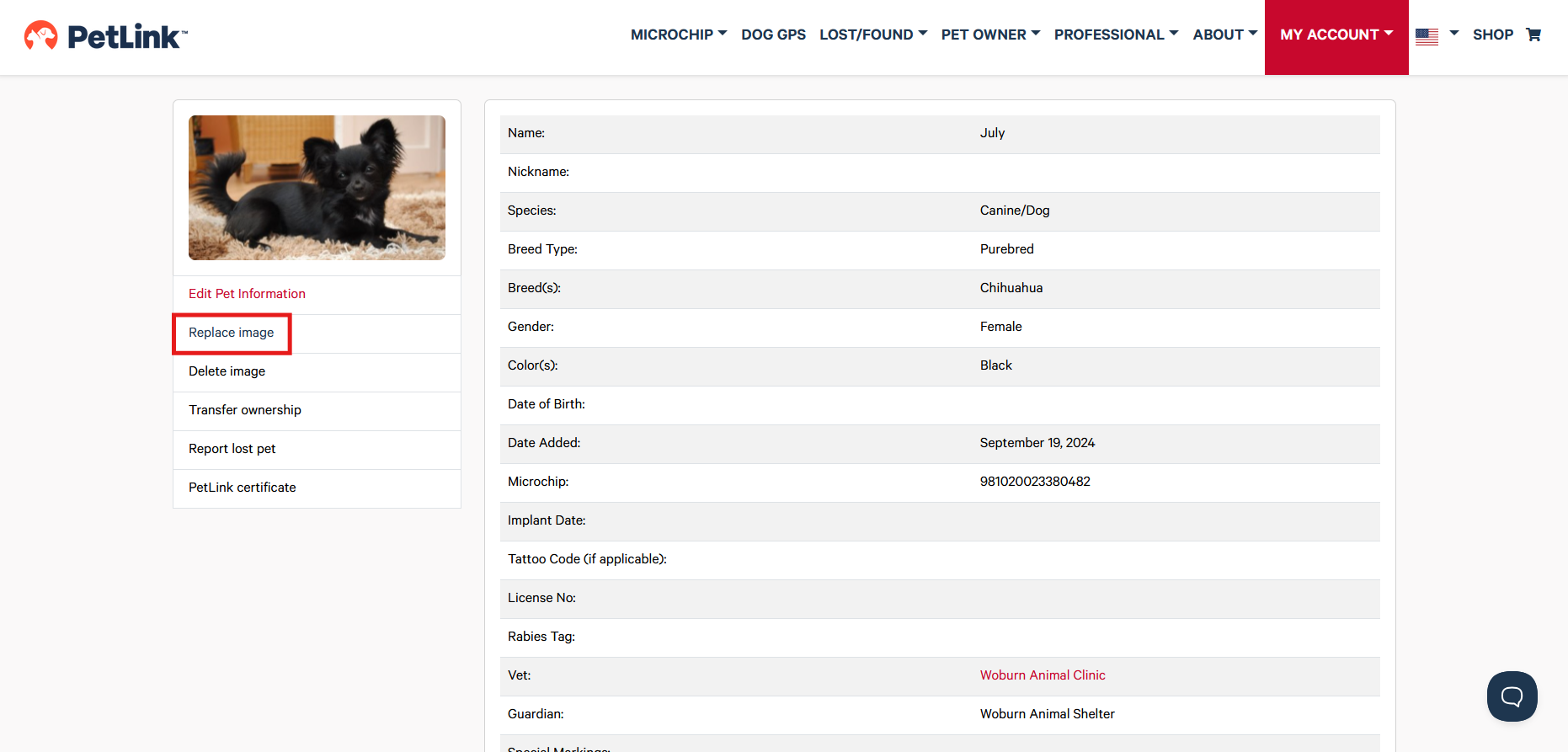
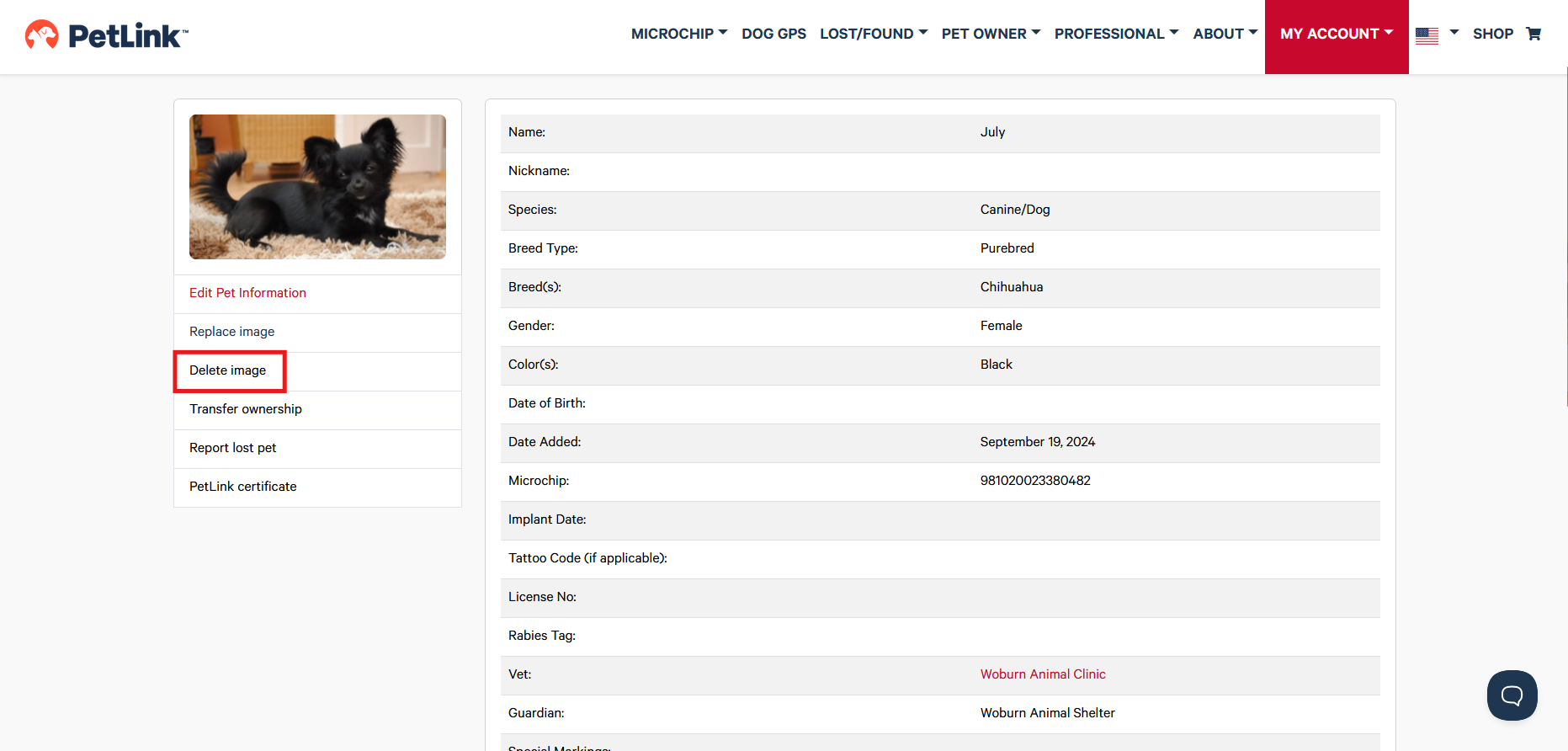
If you wish to replace or delete your pet's picture you can do so as needed;
**You can only upload one picture of your pet; our cropper will scale the picture down to 1920x1080**