
Change ownership
In order to transfer your pet's microchip to your name, please click here to get started.
This is a 4-step process (step 1 = validate microchip number, step 2 = enter new owner info, step 3 = submit proof of ownership, step 4 = submit payment, onetime payment of $29.99) that is done online and when the transfer has been completed you will be notified via email.
We accept a copy of one of the following documents as proof of ownership:
- An adoption agreement from a rescue or shelter
- A current pet license from your city or town
- A current pet's rabies certificate
- Vet bills dated in the last 12 months
**PLEASE BE ADVISED the owner name on the proof of ownership documentation MUST match the owner name on the account and pet information must be listed in order for your transfer request to be processed**
We do not accept AKC or CFA registrations, medical records or patient charts, reminder reports, emotional support or service animal certificates, receipts for licenses, grooming or boarding, rabies or license collar tags or adoption applications as proof of ownership.
If you are unable to provide documentation in your name and you have contact with the registered owner on file they can log into their PetLink account and request to transfer ownership to you.
In order to transfer a pet to a new owner please follow these steps;
• Login to your account by clicking here
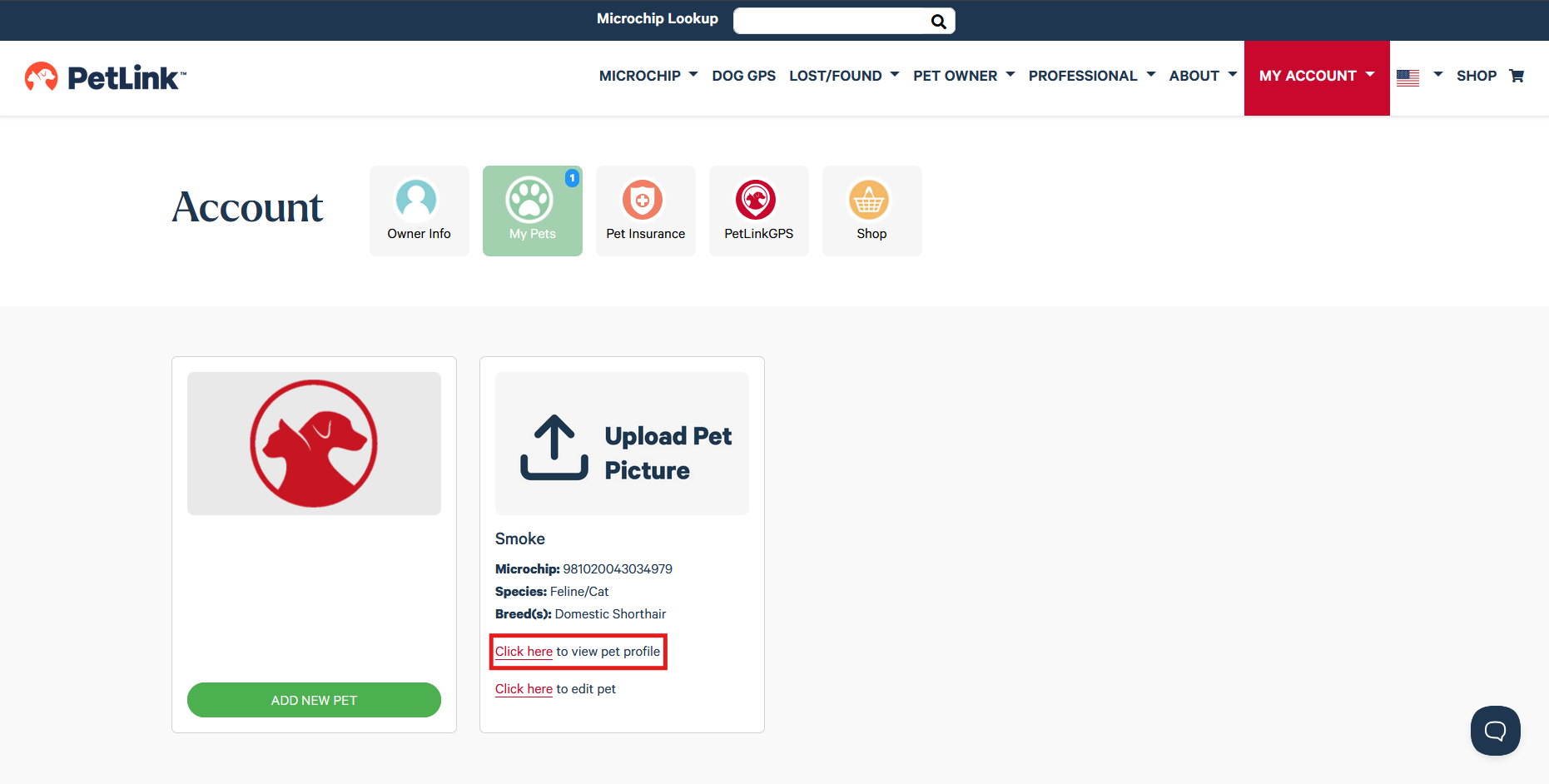
• Select Click here to view pet profile for the pet you would like to transfer
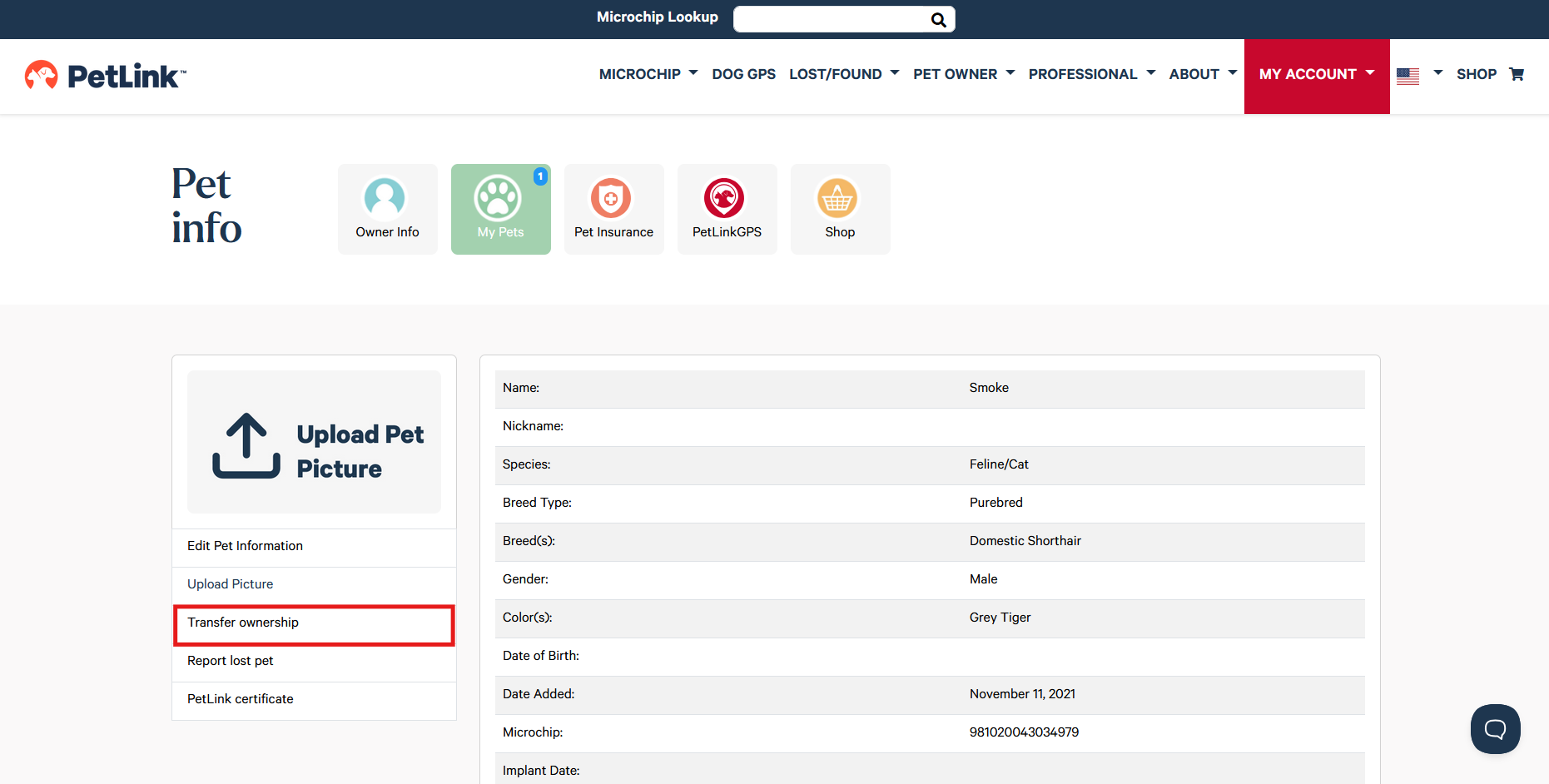
• Click Transfer ownership
• Enter the new owner's email address and click Submit
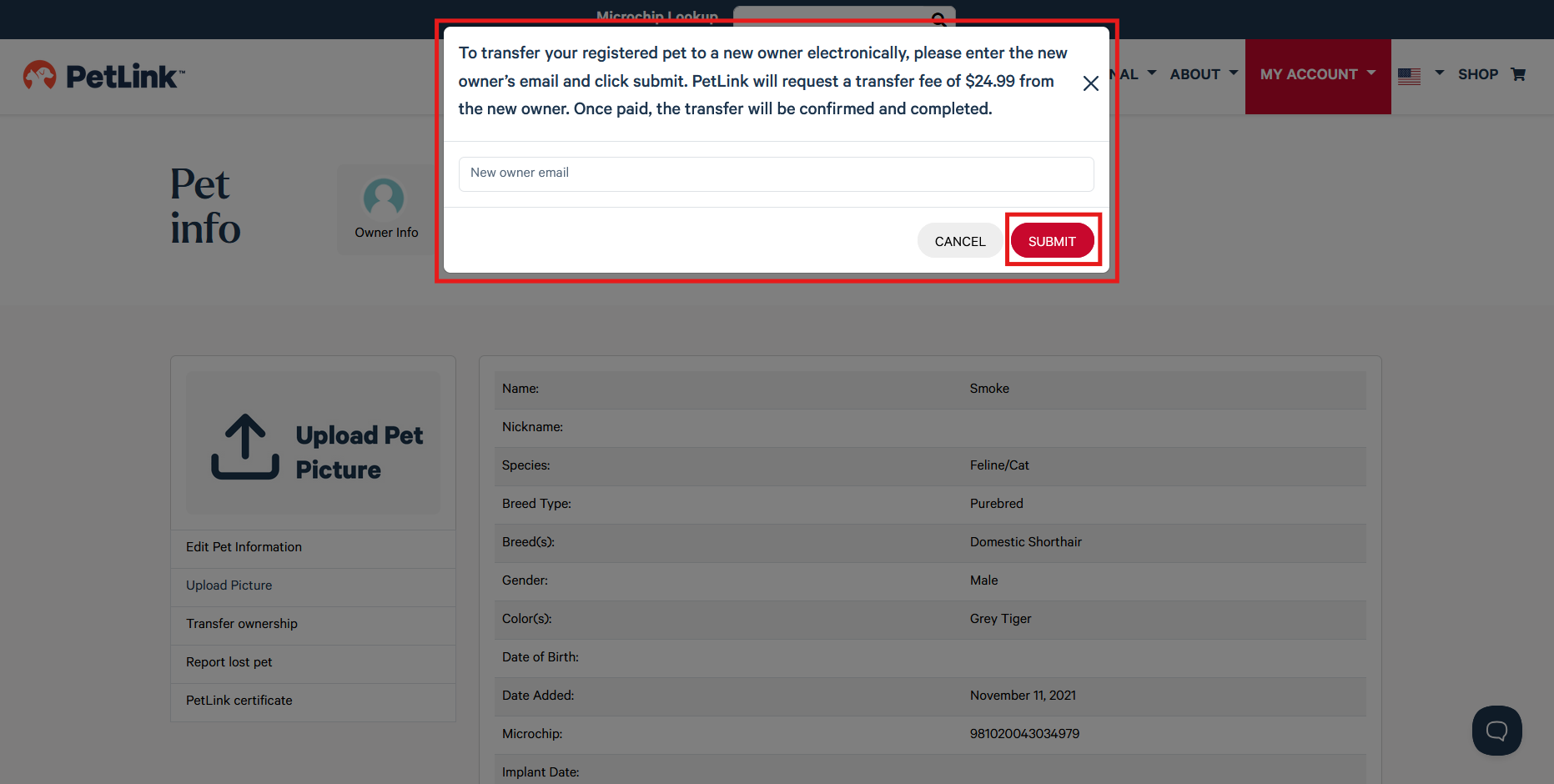
**PetLink will email the new owner and they will have 14 days to accept the transfer request. Once they confirm, the pet will be removed from your account and you will receive an email notification**