
How to remove a pet I no longer own
In order to transfer a pet to a new owner please follow these steps;
• Login to your account by clicking here
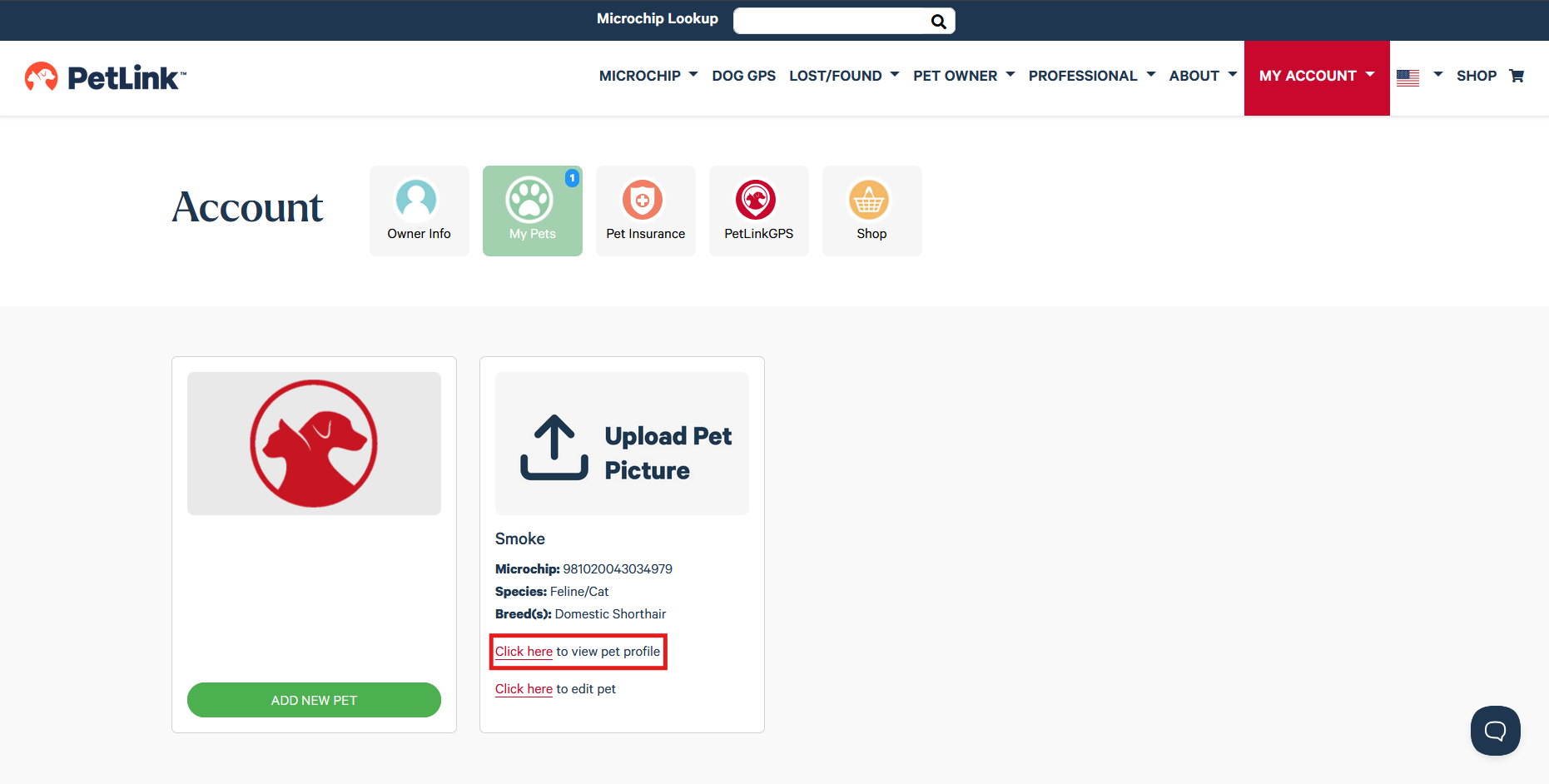
• Select Click here to view pet profile for the pet you would like to transfer
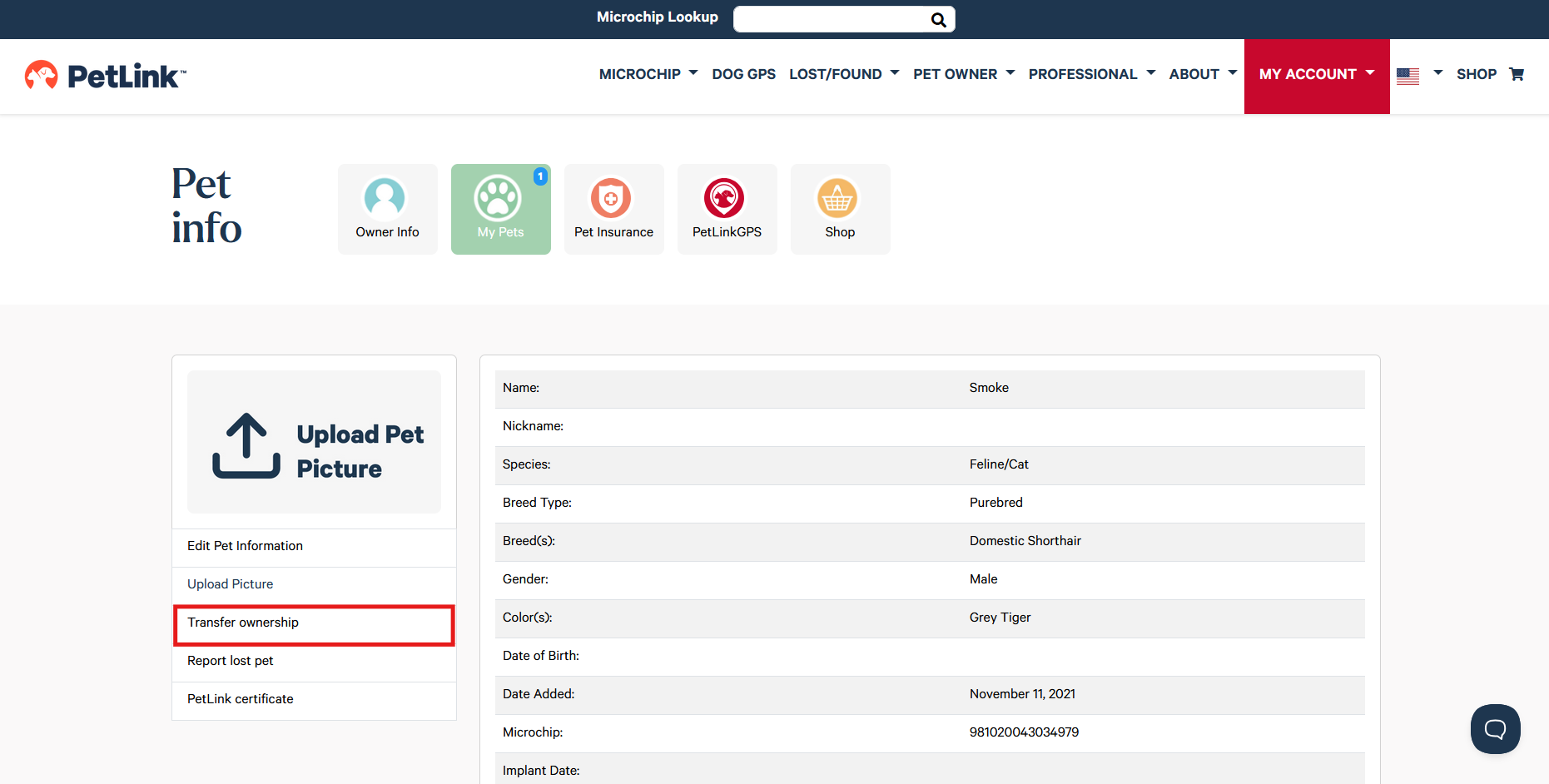
• Click Transfer ownership
• Enter the new owner's email address and click Submit
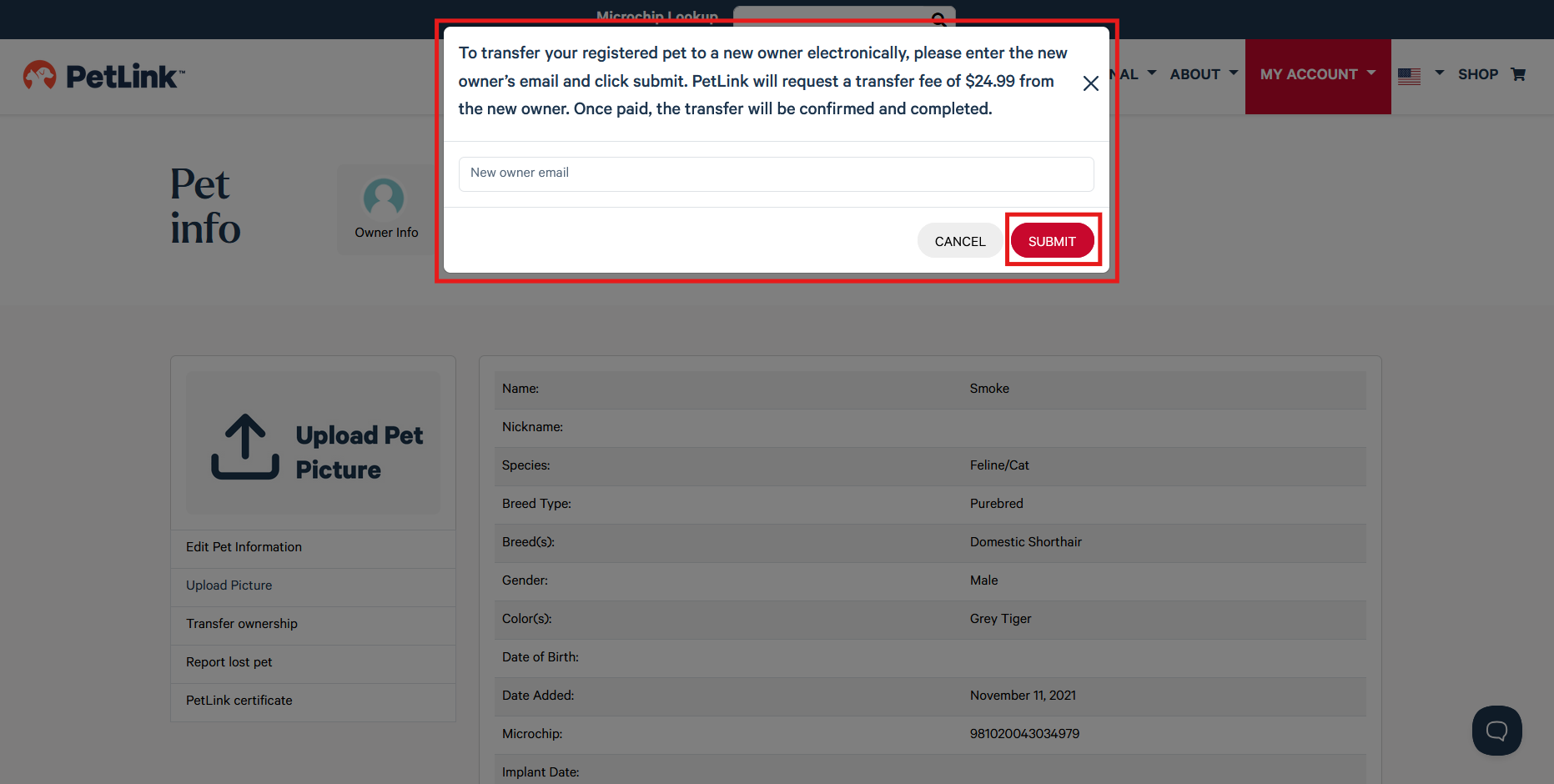
**PetLink will email the new owner and they will have 14 days to accept the transfer request. Once they confirm, the pet will be removed from your account and you will receive an email notification**
If you would like the pet removed from your account please contact petlink@petlink.net for assistance.