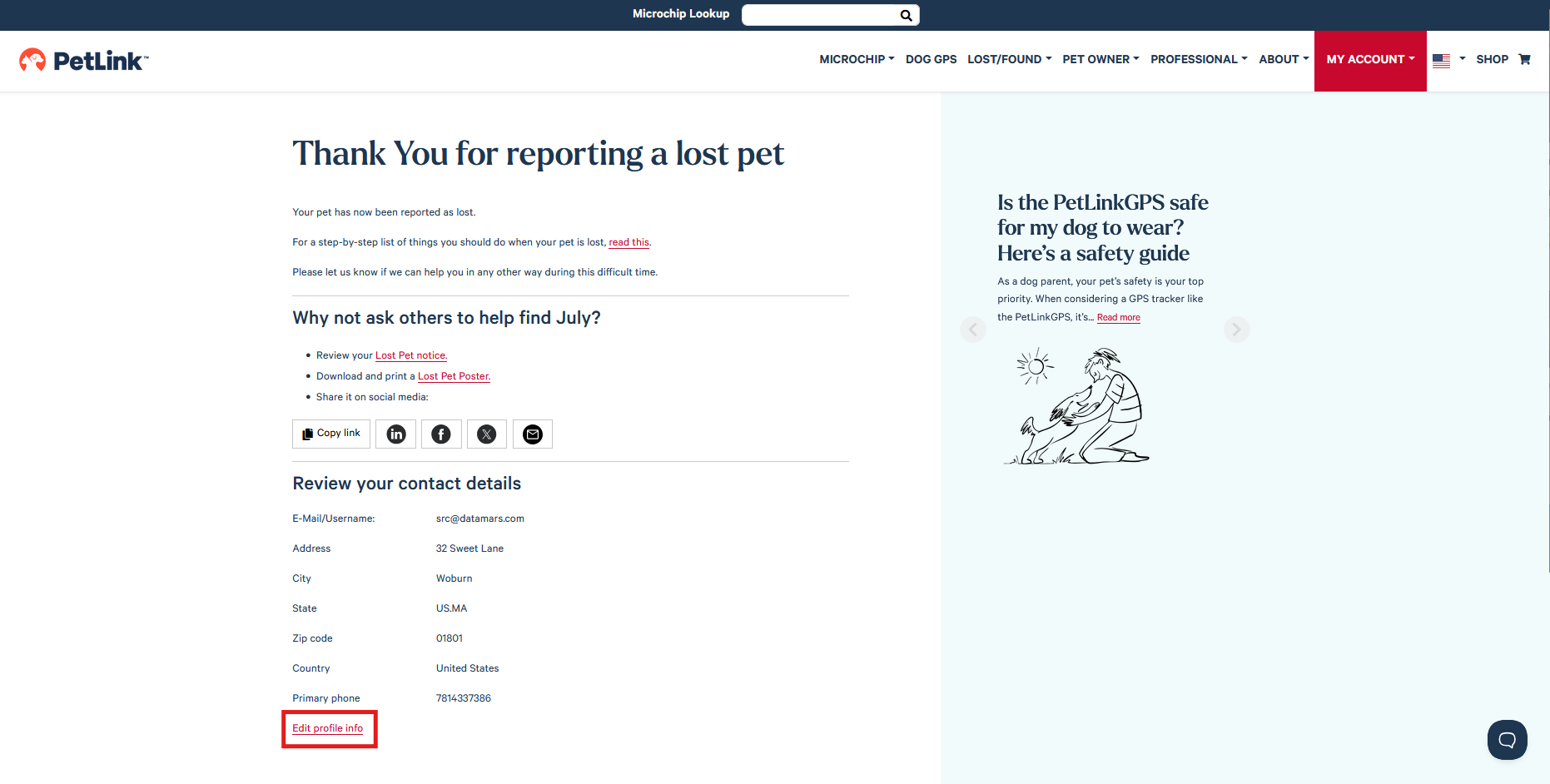
My pet is missing! How do I file a lost pet report?
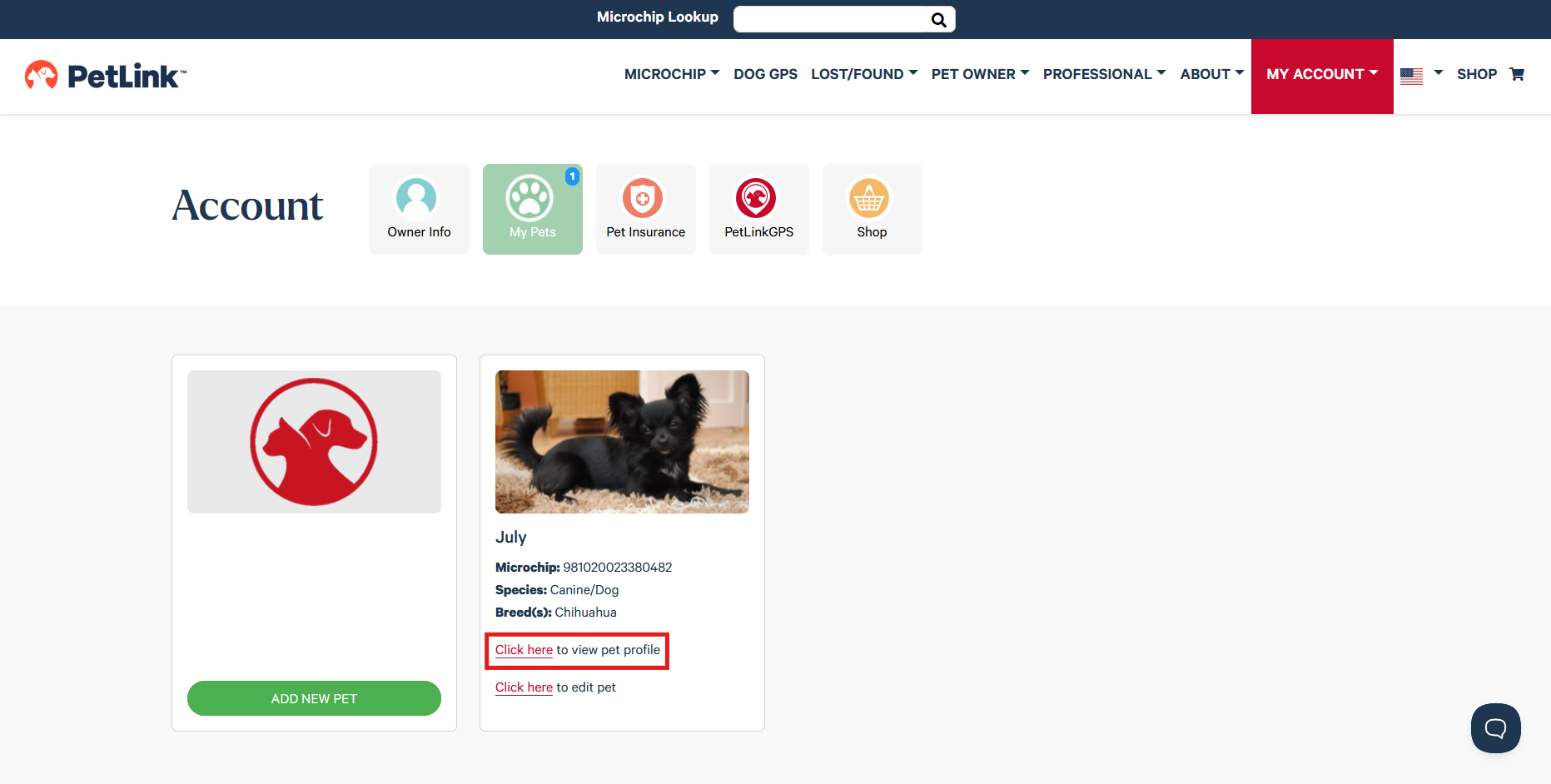
In order to file a Lost Pet Report by logging into your PetLink account.
- Select 'Click here to view pet profile'
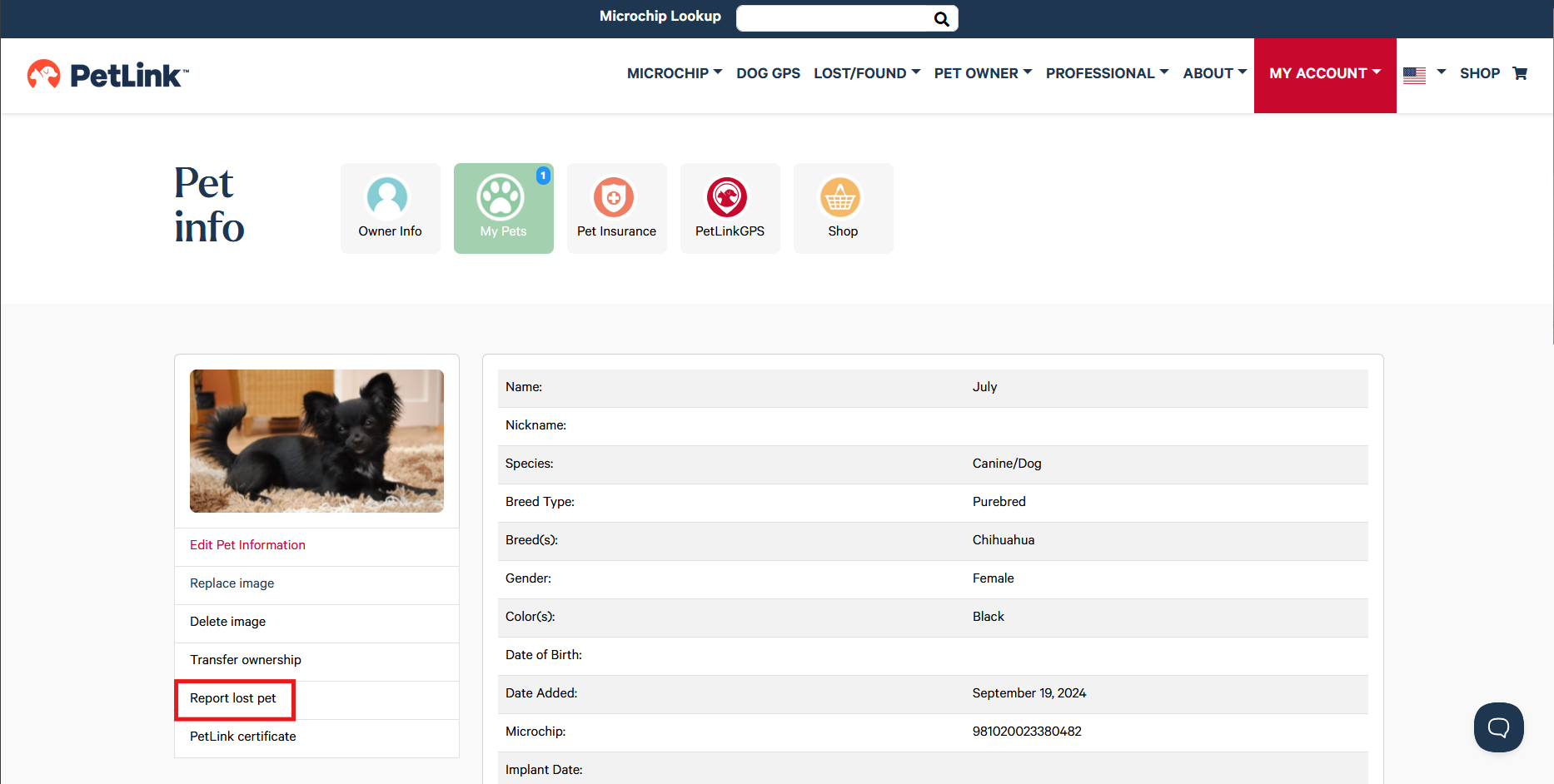
2. Click 'Report lost pet'
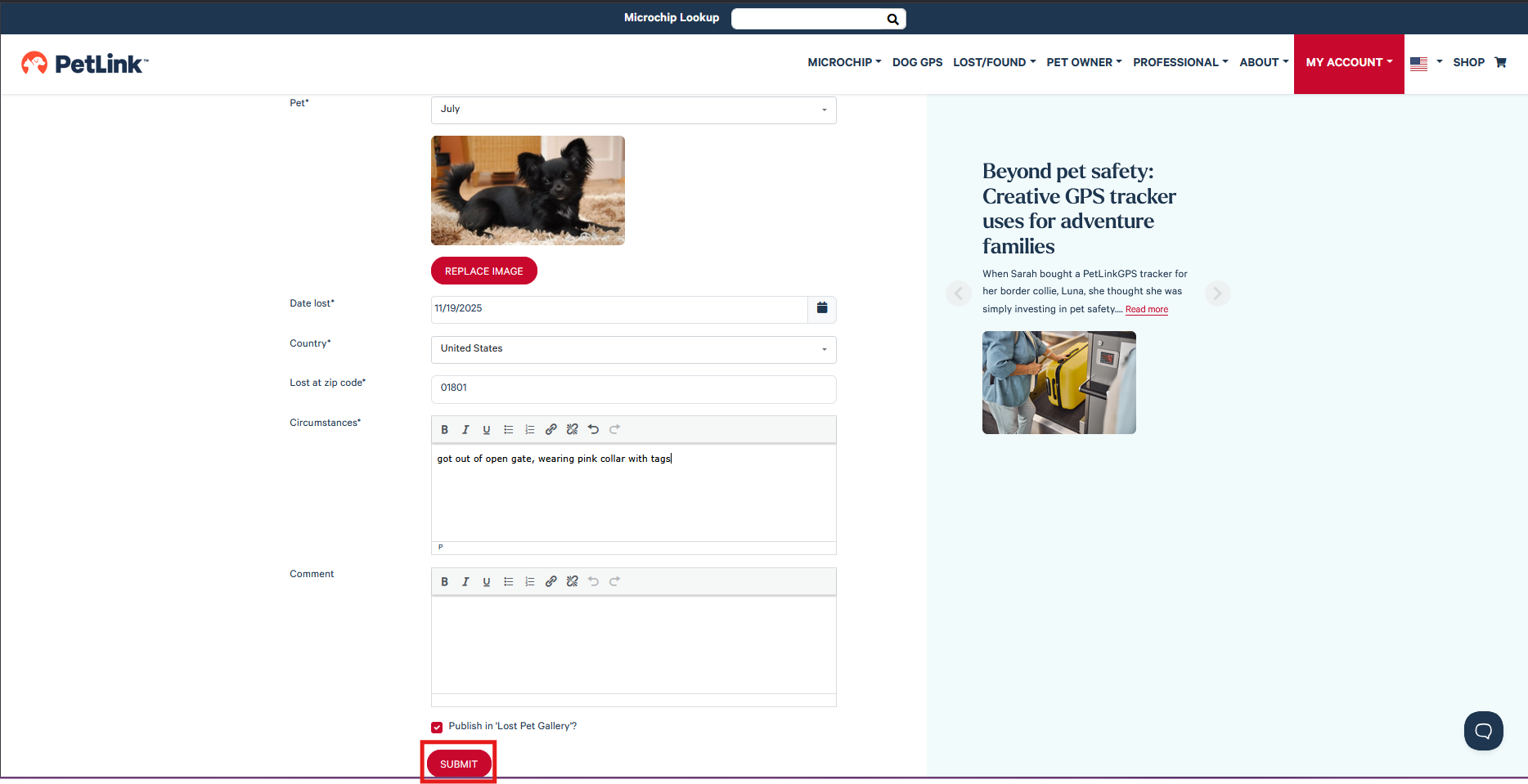
3. Scroll to the bottom of the page — the date lost, country and zip code will all be auto filled but you can change any of those fields if needed.
Enter information in Circumstances field; if you want to add your lost pet report to the Lost Pet Gallery check off the box then click 'Submit'
After the lost pet report has been filed we strongly recommend reviewing your contact info to make sure it is up-to-date!